
1. Registering a GBP profile
Choose email or mobile, set a unique password, leave currency on GBP, decide on the welcome tick, confirm the message. That is the whole gate.
- Use this domain or huzzahwin.com — not a lookalike.
- Confirm you are 18+.
- The welcome tick is optional and sticky.
- Open the mail or SMS before you try to fund.
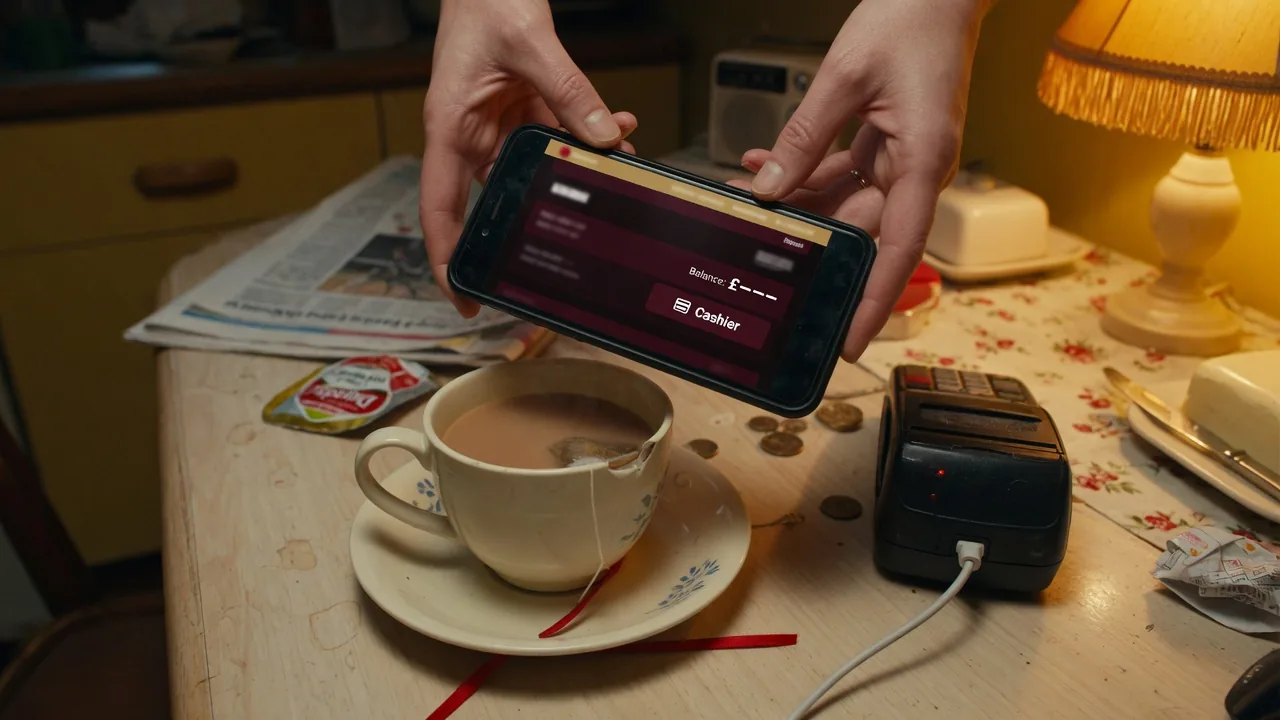
2. Signing in
Same identifier as registration. 2FA if the account offers it. Password reset only from the official form. Support will never ask you to read a code aloud.
3. What KYC wants
A photo of a passport or driving licence. Sometimes a bill with the same name and address. Upload in the account vault. Chat uploads are how people lose files.
4. Account FAQ
Lost the password
Official reset only. No codes in WhatsApp.
Two emails, one person
Still one account. The second one gets closed.